A PRIVATE LIBRARY. A SHARED POINT OF VIEW.
Remember everything that inspires you.
Save architecture, interiors, art, landscapes, and everything else that catches your eye. One private visual library — organized, searchable, and easy to share.
Private by default. Built for you and your people.Your library
01ONE HOME FOR YOUR INSPIRATION
Your inspiration is everywhere.
It doesn’t have to stay that way.
Screenshots in Photos. Saved posts. Browser tabs. Images you texted yourself three months ago. Sightroom gives the things that shape your taste one place to belong.
02CAPTURE FIRST
Save it the moment
you see it.
Take a photo. Drop in an image. Paste from your clipboard. Save something from the web. You don’t need to decide where it belongs before you keep it.
Save now.
Understand later.
Make room for inspiration ↗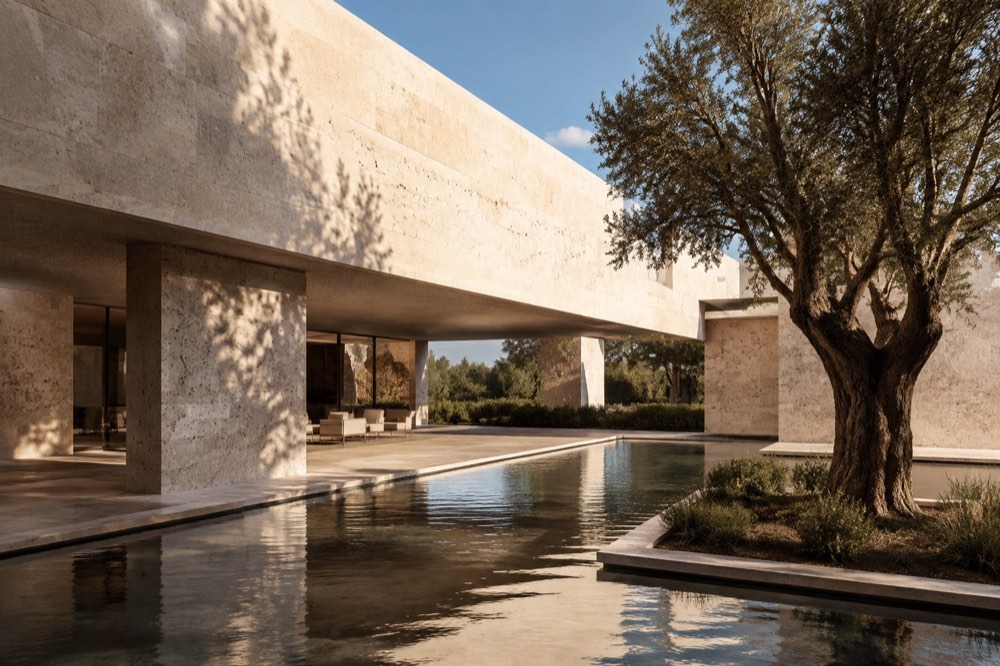
See it. Keep it.
An image, its source, and the thought you want to remember.
03A LIBRARY, NOT A FOLDER
One beautiful library
for everything you save.
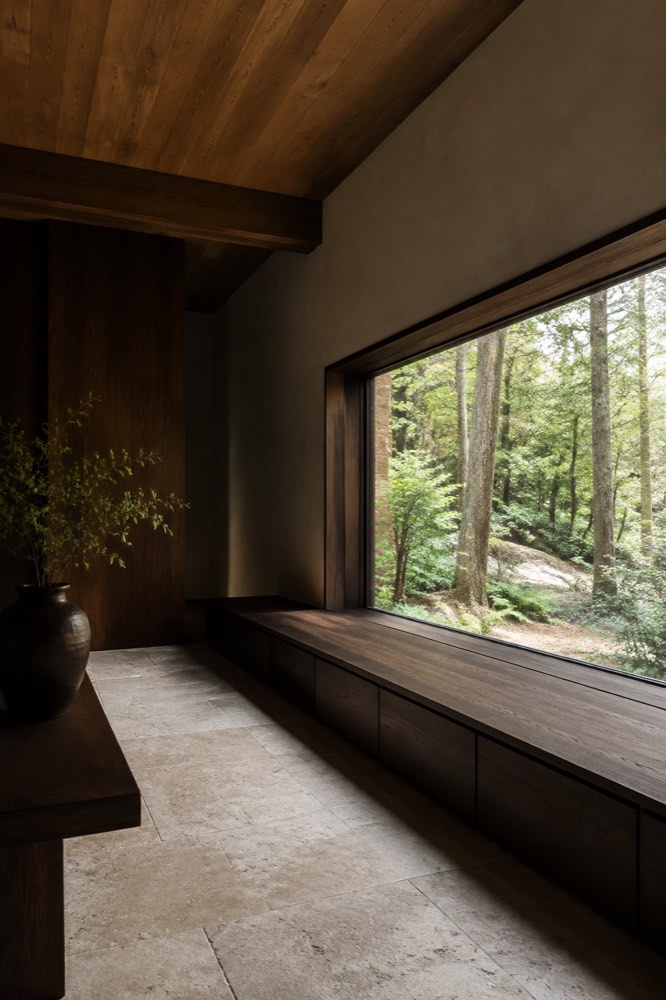
Browse visually. Keep the original, where it came from, and what you thought about it. Bring a little order with collections, tags, favorites, and ratings.
04FIND YOUR WAY BACK
Search the way
you remember.
A place. A material. The note you left yourself. Search names, notes, tags, projects, and source domains—or narrow things down by contributor, rating, or date.
“Limestone houses with courtyards.” Visual semantic search will let you describe a feeling, not just match a word. Today’s demo uses text search.
Your library
“I love how the second floor appears to float over the rough stone base.”
A thought worth keeping.05KEEP THE THOUGHT, TOO
Remember why
something mattered.
A beautiful image is useful. Your reaction to it is more valuable. Add a quick note about what caught your attention, and keep that thought alongside the image.
06TOGETHER, WITH CONTEXT
Build a shared
visual memory.
For your next home. The places you want to go. The project taking shape. Collect with your partner, family, or creative team—without losing who saved what.
One library. Individual taste still matters.
07BUILT FOR A CLOSER LOOK
More than a
folder of JPEGs.
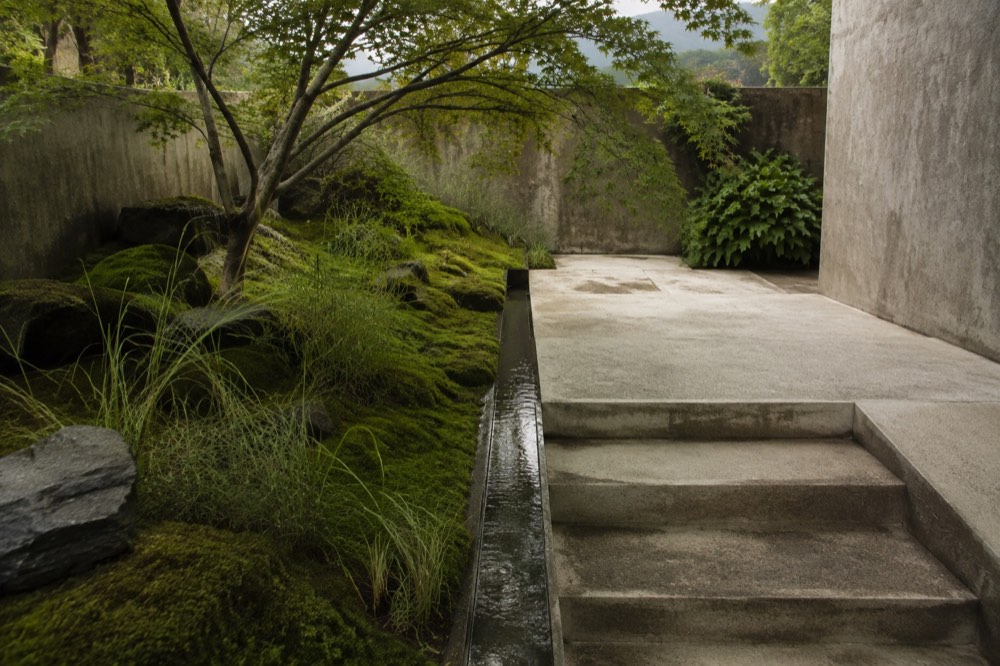
Add the project, architect, place, and materials you want to remember. Turn saved inspiration into a reference library you can learn from.
Manual project and creator fields are available now. Linked project records and automated enrichment are next—not a promise of perfect identification.
A garden for looking slowly
- Category
- Landscape
- Materials
- Stone · water · moss
- My note
- Keep only what belongs.
08THE LONG VIEW
A library that gets
more useful over time.
Every source, tag, and note adds context. Sightroom is designed to become a record of your visual taste—not just another place to accumulate images.
What architectural styles do I keep returning to?
What have I saved near where I’m traveling?Personal insights, maps, and generated moodboards are planned—not live beta features.
09PRIVATE BY DESIGN
Your library is yours.
An archive, not a social feed. Workspace membership controls access. Original images and source links stay together. Download individual originals whenever you need them.
How Sightroom handles your data ↗10A LITTLE SPACE FOR A LOT OF IDEAS
Start with
what inspires you.
Sightroom is currently an invite-only beta. Join the list to hear when your workspace is ready. No payment details required.
$12/ month
or $120 / year
- 25 GB for full-resolution originals
- Shared workspace, collections, and tags
- Personal ratings, favorites, and attributed notes
- Source provenance and structured search
- Mobile and desktop access
Target plan: up to 3 members. Billing is not live. AI organization and semantic search are planned, not available in the current beta.
Join the beta11A FEW GOOD QUESTIONS
Before you
start collecting.
What can I save to Sightroom?
JPEG, PNG, WebP, GIF, AVIF, HEIC, and HEIF images from your files or camera. You can also select images from a public HTTPS webpage. Some websites restrict downloads; save the file and upload it in that case.
Is my library private?
Images and metadata are accessible to signed-in members of your workspace. Notes are shared with author attribution; ratings and favorites are private to their author. There is no public social profile.
Can I use Sightroom with my partner or team?
Yes. Invite people to a shared workspace, collect into the same library, and filter by who saved each image. Collections and tags are shared; each person keeps their own taste signals.
Does Sightroom replace Pinterest?
Sightroom is a private home for references you want to keep and use again. It is not a social discovery feed. You can retain source links alongside images you are entitled to save.
Can I export my images and metadata?
You can download each full-resolution original today. A complete library and metadata export is planned, but is not yet part of the beta.
What happens to the original image?
Sightroom preserves the uploaded original and creates a smaller preview where supported. Originals may be up to 50 MB; files over the 20 MB preview-processing limit are retained and marked for attention.
Does Sightroom use AI?
The current beta has manual organization and text/structured search. AI-assisted tagging, visual semantic search, and deeper architectural knowledge are on the roadmap. They are not included as live features yet.
Is there an iPhone app?
Sightroom is an installable web app. Use your camera or photo library, or configure the iOS Shortcut described inside Sightroom. A native app and browser extension are not available yet.
12BEGIN YOUR SIGHTROOM
Stop losing the things
that inspire you.
Build a visual library that becomes more useful every time you save something.